
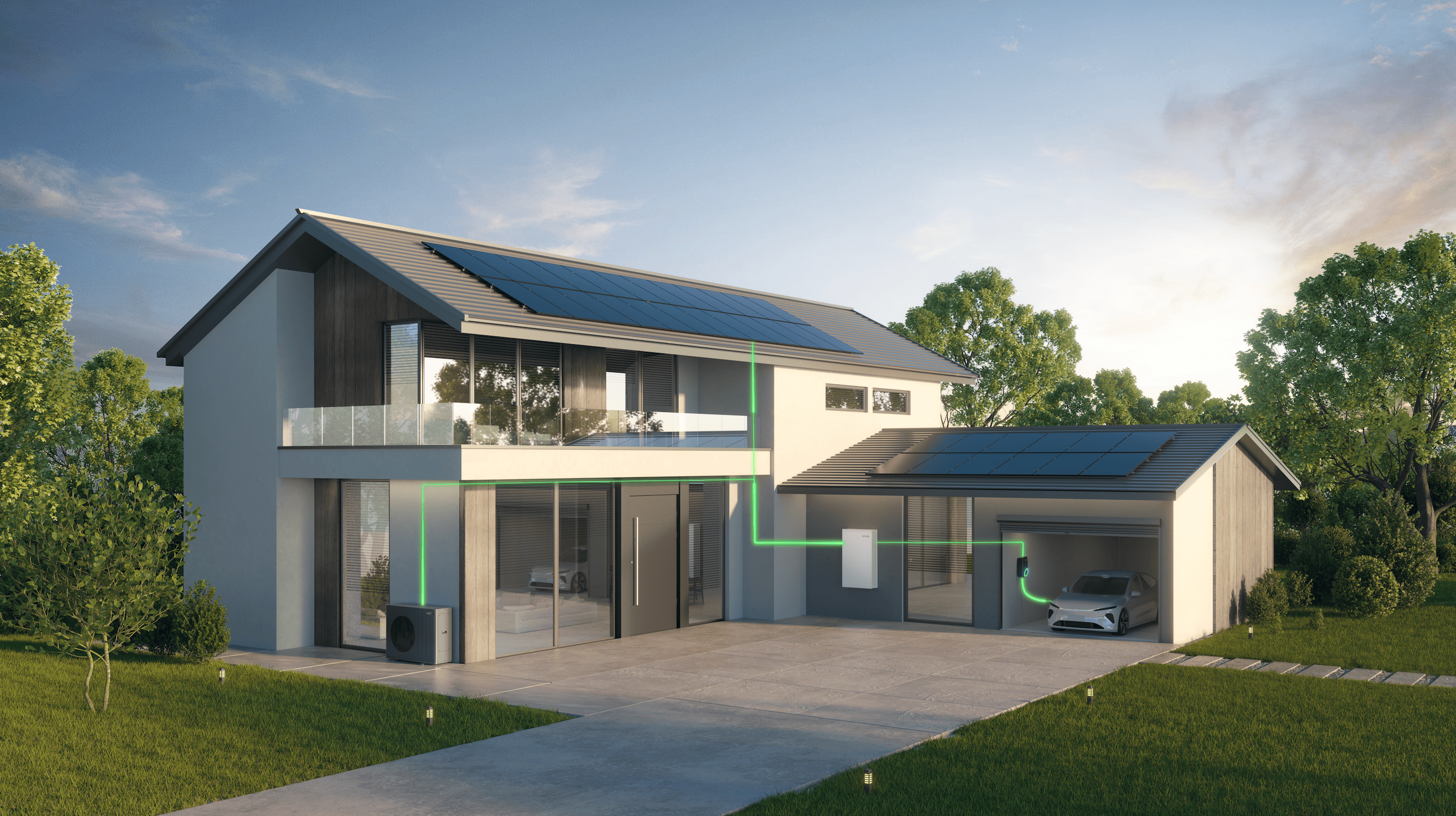








As household energy needs change, an existing home battery may no longer provide enough storage. A growing family, a new electric vehicle (EV), or a heat pump can all increase electricity consumption.
Replacing the entire system is not always necessary. If your existing setup supports expansion, adding compatible batteries may be a practical way to increase storage capacity. Fox ESS offers several expandable battery ranges. Here is how to assess your needs, choose a suitable option, and plan an upgrade.
How Do I Know Whether I Need More Battery Capacity?
Consider expansion when your current battery regularly runs out of stored energy before your household demand falls, or when changes at home are likely to increase electricity consumption.
Growing Household Electricity Consumption
A growing family, more time working from home, or increased appliance use can raise daily electricity consumption. If your existing battery no longer covers your usual energy needs, additional storage may help.
Adding Electric Vehicles or Heat Pumps
EV charging and heat pumps can add significant demand to a household. More battery capacity can store additional energy for later use, but it does not automatically increase the inverter's output power. The inverter must also support the system's power requirements.
Storing More Solar Energy for Later Use
If your solar panels generate surplus electricity during the day, additional battery capacity may allow you to store more of it for evening use. Whether expansion is worthwhile depends on your generation, consumption, and existing system limits.
Which Fox ESS Battery Families Offer Expansion Options?
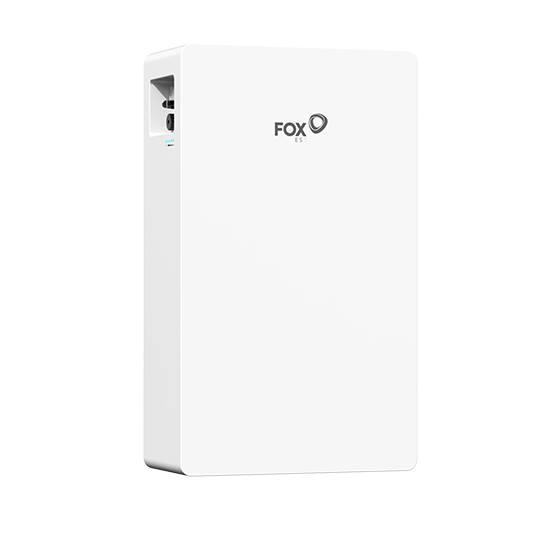
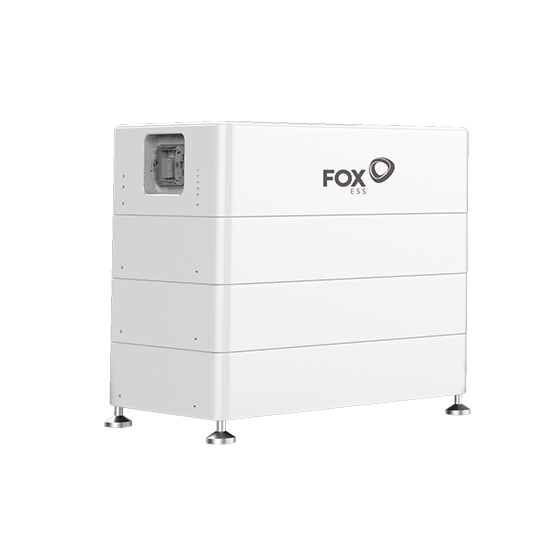
Fox ESS offers four battery families with different designs and expansion configurations: EP, EQ, CQ, and ET. Their product structures and supported expansion methods vary, so the following table provides an overview of the available models and how each family can accommodate additional storage capacity.
| Battery family | Selected models | How the system scales | Representative product | Official website |
|---|---|---|---|---|
| EP Series | EP6, EP12 | Expandable high-voltage battery systems with different capacity options. Additional compatible battery units can be connected according to the supported system configuration. |
| https://www.fox-ess.com/products/battery |
| EQ Series | EQ3300, EQ5000, EQ5500 | Modular battery design that supports vertical stacking and series expansion. The supported number of modules depends on the specific model and configuration. |
| |
| CQ Series | CQ6, CQ6.6, CQ7, CQ16, CQ20 | Modular high-voltage battery systems that can be expanded through additional battery modules. Different models support different system capacities and module configurations. |
| |
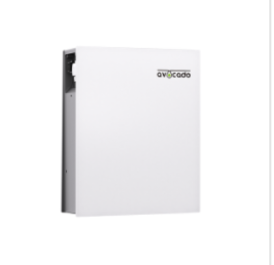
| ET Series | ET10, ET16 | Designed as expansion battery options for compatible Avocado all-in-one systems, allowing users to increase battery storage capacity within the supported configuration. |
|

What Should You Check Before Expanding Your Fox ESS Battery?
Battery expansion depends on more than the battery series and inverter model. The installer may also need to verify the exact battery version, current firmware, installation date, battery age and condition, existing module count, available installation space and applicable regional warranty requirements.
In some markets, capacity expansion may be subject to a time limit under the applicable warranty policy. Do not purchase additional batteries until the proposed configuration has been confirmed for your specific system.
Before purchasing additional batteries, confirm your existing battery model, inverter compatibility, and maximum supported capacity. An expandable battery is not necessarily compatible with every existing system.
Existing Battery Model and Expansion Configuration
Identify your current battery series and exact model. Check its supported expansion method and module limits. For example, EQ and CQ series products support modular expansion, but configurations vary. Do not assume different models or series can be mixed.
Compatible Fox ESS Inverter
Record your existing hybrid inverter model and check whether it supports the planned battery configuration. If compatibility is unclear, ask your installer or Fox ESS support team to verify it before purchasing additional batteries.
Maximum Supported Battery Capacity
Check the maximum number of modules and total capacity allowed by your battery and inverter combination. Installation conditions must also be considered.
Expansion checklist:
1. Battery series, exact model and version: Check the product label or take a clear photo of it.
2. Battery serial number: This can help the installer identify the exact product version.
3. Initial installation date: Expansion conditions may depend on how long the existing system has been operating.
4. Current number of batteries or modules: Include a photo of the complete battery installation if possible.
5. Inverter model: Check the inverter label or the equipment information displayed in FoxCloud.
How Can You Expand Your Fox ESS Battery System?
Start by assessing your existing system, then ask a qualified installer to confirm the configuration and complete the installation.
Assess Your Existing System and Energy Needs
Record your battery model, inverter model, and current storage capacity. Consider how much additional energy you need after adding appliances or changing household routines.
Confirm the Expansion Plan with Your Installer
Share your equipment details and desired capacity with your installer. They can check compatibility, expansion limits, and installation requirements before confirming the additional battery model and quantity.
Install and Commission the Additional Batteries
A qualified professional should install and connect the batteries according to the relevant product instructions. The expanded system must then be commissioned and checked to ensure normal operation. Do not attempt to connect or dismantle storage batteries yourself.
Expansion process:
Existing System Assessment → Compatibility Check → Battery Installation → System Commissioning
Frequently Asked Questions About Fox ESS Battery Expansion
Can I Add More Batteries to My Existing Fox ESS System?
Yes, if your Fox ESS battery and inverter support the proposed expansion. A qualified installer should confirm compatible batteries, capacity limits and any requirements for adding new batteries to the existing system.
Can I Mix Different Fox ESS Battery Models When Expanding?
Do not assume different models or series can be mixed. Check the official compatibility information for your specific system.
Do I Need to Replace My Inverter When Adding More Batteries?
Not necessarily. If your existing inverter supports the additional battery configuration and capacity, replacement may not be required. Your installer should confirm this.
How Can I Check the Maximum Capacity of My System?
Identify your battery and inverter models, then consult their official datasheets and installation information. Your installer can verify the maximum supported capacity.
Conclusion: Expand Your Fox ESS Battery System as Your Energy Needs Grow
As household energy needs increase, existing users can first check whether their Fox ESS systems support expansion. The EP, EQ, ET and CQ ranges offer different storage options, but compatibility and capacity limits must be confirmed before upgrading. With the right configuration and professional installation, your system can grow alongside your energy needs.